
The Loudest Google Meet Ringer
Google Meet notifications in the browser are easy to miss. MeetingRinger ensures you never overlook a meeting by ringing until you join the call.
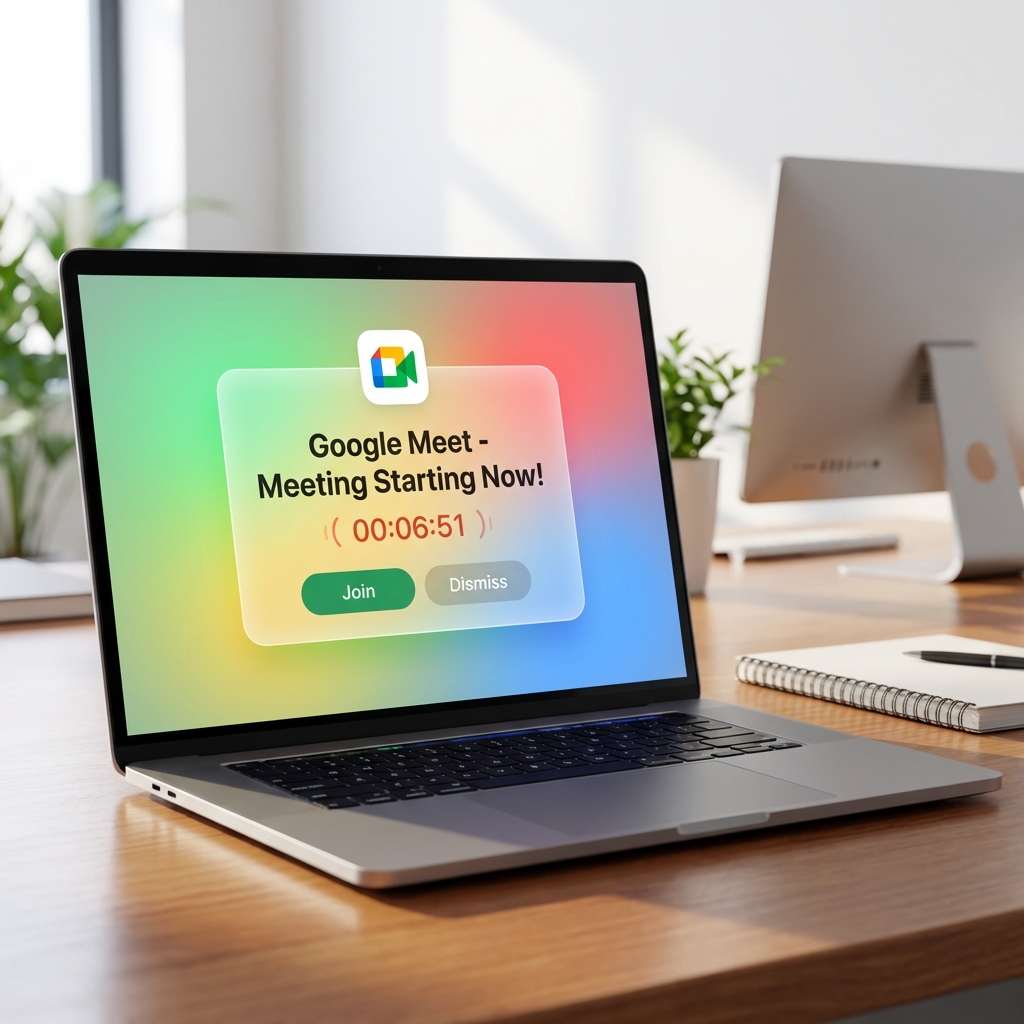
Why Google Meet Notifications Often Fail
Most Google Meet users rely on Chrome's built-in notifications. These are often suppressed by "Do Not Disturb" modes, hidden behind other windows, or simply not loud enough to grab your attention when you're away from your desk.
MeetingRinger acts as a dedicated alarm system for your Google Meet schedule. It bypasses the limitations of browser-based alerts to give you a true "ringer" experience, just like a phone call.
How MeetingRinger Improves Your Google Meet Workflow:
- Automatic Detection: No need to manually set alarms. MeetingRinger reads your Google Calendar and identifies Google Meet links automatically.
- Persistent Alarms: The ringer won't stop until you either join the meeting, snooze it, or dismiss it.
- Cross-Platform Sync: Get the alert on your desktop, laptop, or mobile device—wherever you need it most.
- Zero Configuration: Just link your Google account and you're ready to go.
Transform Google Meet into a High-Priority Event
In a world of remote work, punctuality is a sign of respect. When you use MeetingRinger as your Google Meet alarm, you're signal to your team that their time is valuable.
Our app is designed to be unobtrusive until it's actually time to meet. Once the meeting starts, however, it becomes impossible to ignore, ensuring you're always the first one in the "room."
Join your next Google Meet on time.
Simple setup. Reliable alarms. Free for individual users.
Download Now