
The Ultimate Zoom Meeting Ringer
Standard notifications are too easy to miss. MeetingRinger ensures you're never late to a Zoom call by ringing persistently until you're actually in the meeting.
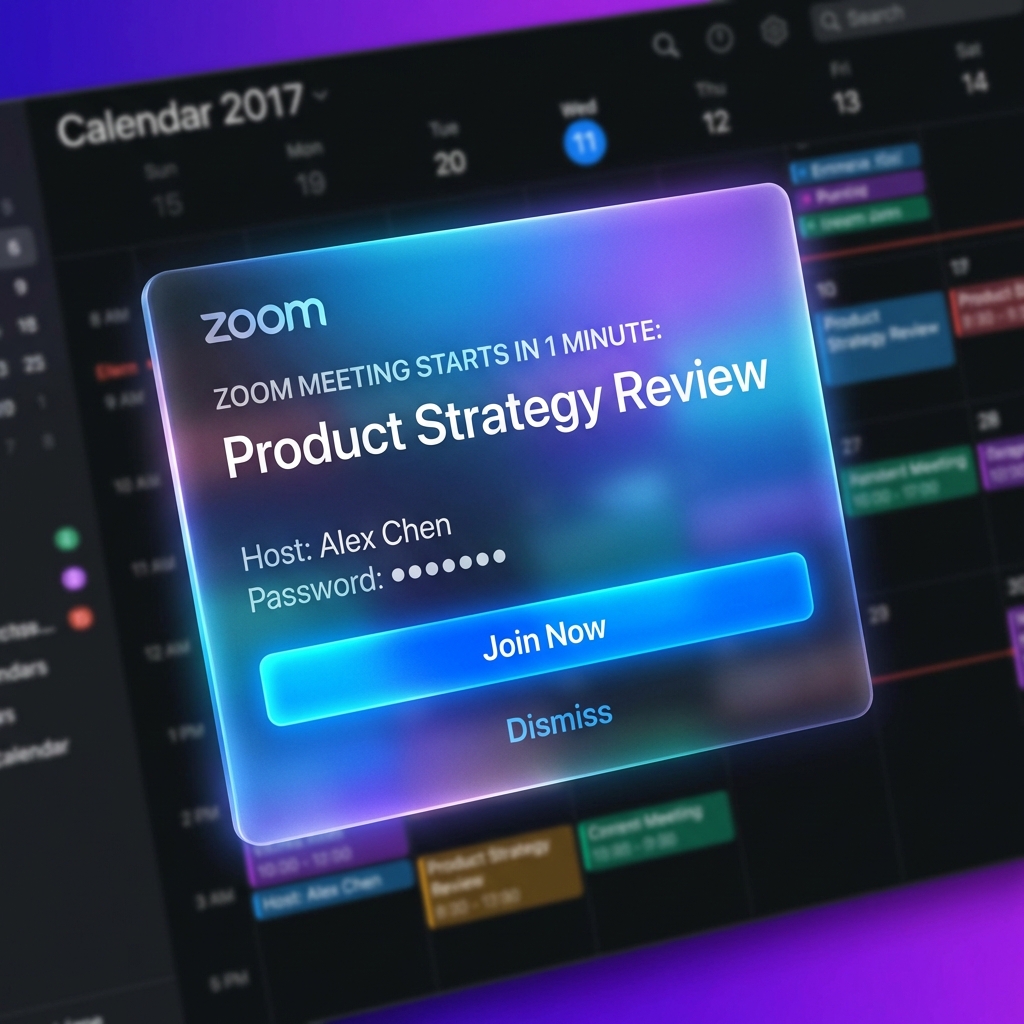
Why Use a Dedicated Zoom Meeting Ringer?
We've all been there: you're deep in "flow state," focused on a complex task, and suddenly you realize you're five minutes late for a critical Zoom meeting. The standard browser or calendar notification was just a small "ding" that vanished into the background noise of your workday.
MeetingRinger solves this by transforming passive notifications into active, persistent alarms. If there's a Zoom link in your calendar, our app will detect it and ring your computer or phone until you take action.
Stop Missing These Zoom Scenarios:
- The "Waiting for Host" Trap: You join early, get distracted while waiting for the host to start, and forget the meeting altogether.
- Muted Notifications: Your system is on "Do Not Disturb," but you still need to know when your meeting starts.
- Multiple Monitors: The notification appeared on a screen you weren't looking at.
- Laptop Closed: Missing the start because your device was asleep (MeetingRinger works across all your devices).
How MeetingRinger Integrates with Zoom
Setting up your Zoom ringer takes less than a minute. Simply connect your Google Calendar, and MeetingRinger automatically scans for upcoming events containing Zoom invitation links.
When the meeting time arrives, the app triggers a loud, customizable ringer. You can click "Join Now" to launch Zoom directly, or "Snooze" if you need just two more minutes to finish what you're doing.
Never be late again.
Join thousands of professionals using MeetingRinger to stay punctual and professional.
Get MeetingRinger for Free